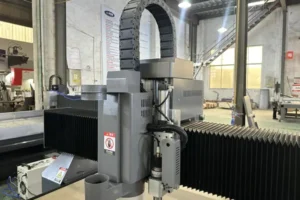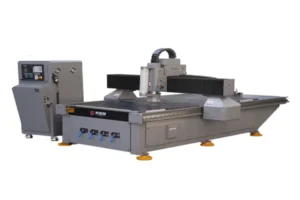
A vision CNC router’s accuracy depends on a CCD camera reading printed marks correctly, which means its maintenance priorities are different from a standard router’s — a spotless spindle and a perfectly lubricated axis mean nothing if the camera can’t reliably read a registration mark. This guide covers vision-specific maintenance for a camera-guided router like the T3. For ATC tool-changer maintenance, see our companion checklist; for precision axis-drive maintenance on a non-vision router, see our T5-focused guide.
The T3’s water-cooled spindle is built for continuous production, which changes the maintenance emphasis compared to a machine that runs intermittently — cooling system reliability matters more here than on a router that gets regular idle time between jobs. Combined with the camera system’s sensitivity to dust and lens condition, this checklist covers a genuinely different maintenance profile than a standard ATC or precision router.
This checklist organizes vision-router maintenance by how often each item needs attention.
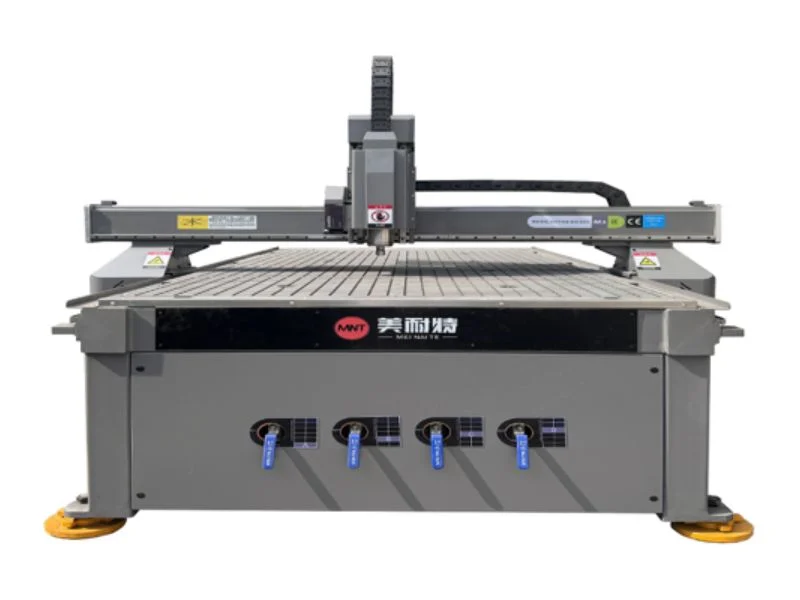
Clean the CCD Camera Lens Daily
Wipe the camera lens with a lint-free cloth at the start of every shift — dust and airborne debris settle on the lens constantly, and even a light film is enough to reduce contrast to the point where the camera starts missing registration marks intermittently.
Intermittent misreads are more disruptive than a consistent failure, because they look like a calibration problem rather than a cleanliness one and send troubleshooting in the wrong direction. Use compressed air to blow off loose debris first, then a lens-safe cloth — never a dry paper towel, which can scratch the lens coating and permanently degrade read accuracy.
Check Camera Calibration Weekly
Run the camera calibration routine weekly even without an obvious problem — registration drift is gradual, and a fixed weekly check catches it before a full production run gets cut off-register.
Calibration typically involves printing a test grid and confirming the camera’s reported offset stays within tolerance. If the offset keeps growing between calibrations, check the camera’s physical mounting and edge-detection sensor condition before assuming the calibration routine itself is at fault — mechanical drift in the mounting is a more common root cause than a software calibration failure.
Maintain Spindle Cooling Circulation
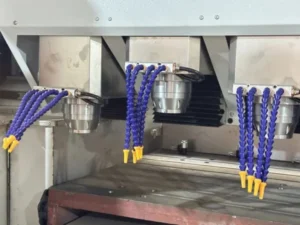
Check coolant flow, level and radiator or chiller performance daily — the T3’s water-cooled spindle is built specifically for continuous production, so a cooling shortfall shows up as a real production risk rather than an occasional inconvenience on a machine meant to run all day.
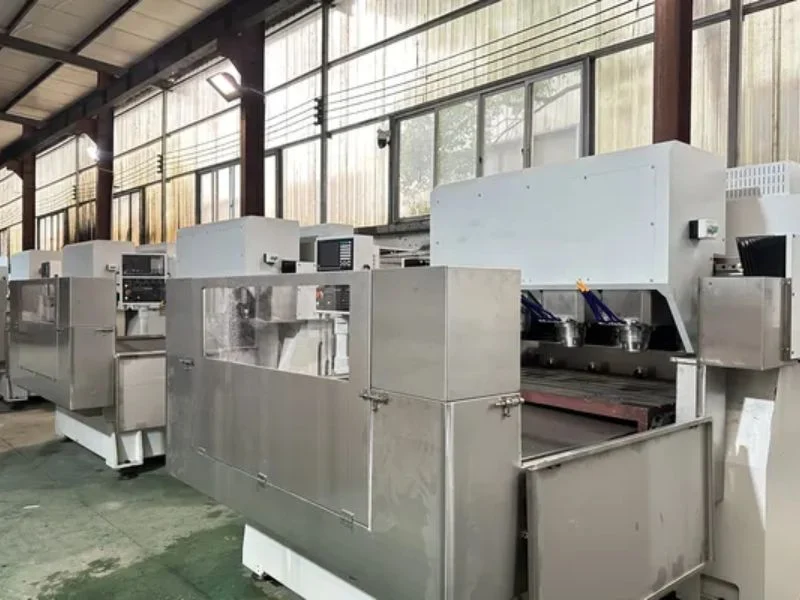
Flush and replace coolant on the schedule your chiller manufacturer specifies — degraded coolant loses cooling efficiency gradually, which can let spindle temperature creep up without triggering an obvious alarm until it’s already affecting cut quality or bearing life.
Inspect Cutters Regularly
Inspect cutting tools for wear before each job and swap proactively rather than waiting for cut quality to visibly degrade — on a continuous-production machine, a dulling cutter affects more parts before anyone notices than it would on a machine that’s checked between shorter, more frequent job changes.
If your machine is running the optional knife head for KT board, foam or hollow board, check blade condition separately from spindle cutter condition — the two tool types wear differently and on different schedules depending on your material mix that week.
Manage Dust Extraction
Check dust extraction airflow daily and clean or replace filters on schedule — on a vision router, dust doesn’t just create a mess, it settles onto the camera lens and lighting ring, directly compounding the registration-read problems poor lens cleanliness already causes.
Position extraction close to the cutting point specifically to keep debris away from the camera housing, not just the work surface. A dust extraction gap that would be a minor issue on a standard router becomes a compounding accuracy problem on a camera-dependent machine.
Lubricate Guides on Schedule
Lubricate linear guides and drive components on the interval your manufacturer specifies — under-lubrication accelerates wear that eventually shows up as positioning inconsistency, which on a vision router compounds with any camera-read variance rather than being the machine’s only source of positioning error.
Use the lubricant type specified for your machine rather than a generic substitute, and check for even coverage across the full travel range — an unlubricated section anywhere along the axis introduces a repeatable error at that specific location.
Care for the Vacuum Table
Clean debris from vacuum channels regularly and check gaskets for wear — a vacuum table losing hold isn’t just a productivity issue on print-to-cut work, since printed material that shifts under reduced suction throws off the very registration the camera is trying to compensate for.
This connects directly to camera accuracy: a camera can correct for print that shifted before the sheet was loaded, but it can’t correct for a sheet that continues to move during the cut because vacuum hold is inadequate. Treat vacuum maintenance as part of registration accuracy, not a separate housekeeping task.
Review Machine Guarding Monthly
Inspect guards, interlocks and emergency stops monthly, and immediately after any guard has been removed for service. See OSHA’s machine guarding requirements for the general standard most shops are already working against.
Maintenance Schedule at a Glance
| Task | Daily | Weekly | Monthly |
|---|---|---|---|
| CCD camera lens cleaning | ✔ | ||
| Camera calibration check | ✔ | ||
| Spindle cooling circulation check | ✔ | ||
| Cutter inspection | Before each job | ||
| Dust extraction airflow check | ✔ | ||
| Guide lubrication | Per manufacturer schedule | ||
| Vacuum table / gasket check | ✔ | ||
| Guarding & interlock review | ✔ |
For ATC tool-changer maintenance, see our ATC CNC router maintenance checklist. For precision axis-drive maintenance on a non-vision router, see our precision CNC router maintenance checklist. For file preparation and production workflow, see our T3 print-to-cut workflow guide.
Frequently Asked Questions
How often should the CCD camera lens be cleaned?
Daily, at the start of every shift — even a light film of dust reduces contrast enough to cause intermittent registration misreads that are easy to mistake for a calibration problem.
Why does vacuum table maintenance matter for camera accuracy?
The camera can correct for print that’s shifted before loading, but not for a sheet that continues moving during the cut due to inadequate vacuum hold — vacuum maintenance is effectively part of registration accuracy on this machine.
Does the T3’s continuous-production design change maintenance priorities?
Yes — spindle cooling reliability matters more on a machine built to run all day than on one with regular idle time, so coolant checks and chiller maintenance carry more weight here.
What causes camera registration drift over time?
Most commonly mounting looseness or edge-detection sensor condition rather than the calibration routine itself — if drift keeps recurring shortly after recalibration, check the physical mounting first.
Is this checklist different from the ATC and precision router checklists?
Yes — this focuses on camera and vision-specific maintenance items unique to a registration-guided machine. Companion guides cover ATC tool-changer hardware and precision axis-drive components for the other T-line configurations.
Do I need to check blade condition separately if I have the optional knife head?
Yes — the knife head’s blade wears on a different schedule than the spindle cutter, depending on your material mix, so check both separately rather than assuming one inspection covers both tool types.