Choosing between digital die cutting and a steel-rule die comes down to two numbers: how many parts you need, and how often the shape changes.
Most buyers ask the wrong question first — “which one is cheaper?” — when the honest answer is *it depends on your run size*. A steel-rule die costs money before you cut a single part; a digital cutter costs nothing per shape but more per part at scale. Pick the wrong one and you either pay for tooling you didn’t need or lose margin on every unit.
This guide breaks down tooling cost, lead time, the volume crossover point, and the materials each method handles — so you can match the method to the job.
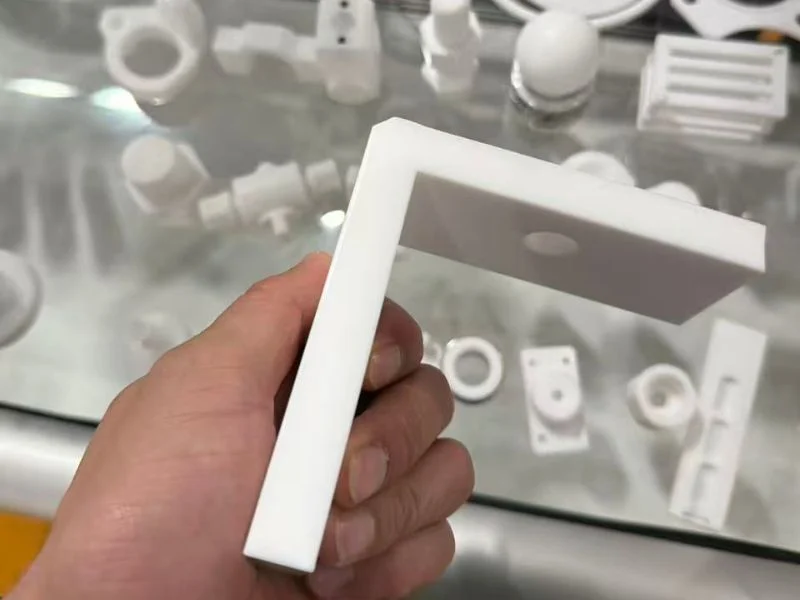
What’s the real difference between digital die cutting and a steel-rule die?
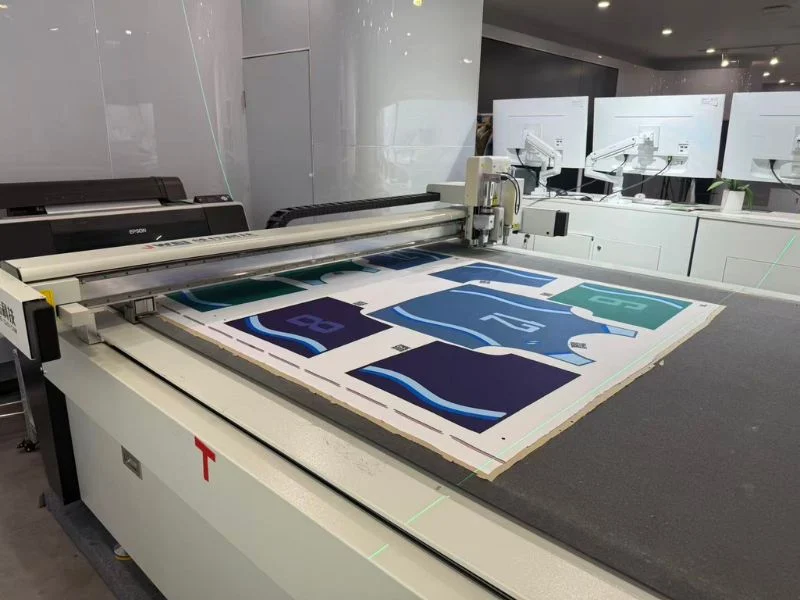
A steel-rule die is a physical tool; digital die cutting is tool-less. A steel-rule die is a plywood board with sharpened steel blades bent to your exact shape. You press material against it to stamp out parts. A digital die cutting machine skips the tool entirely — a computer-guided oscillating knife cuts the shape straight from your CAD file.
That single difference drives everything else. Because the die is a fixed object, it is fast once built but locked to one shape. Because the digital cutter reads a file, it can change shapes in seconds but cuts one path at a time instead of stamping the whole part at once.
Steel-rule dies belong to a family of stamping tools used in high-volume converting — the same principle behind the industrial die used in metal and paper forming. Digital cutting borrows from plotter and CNC technology, trading raw stamping speed for flexibility.
In practice, the two methods rarely compete head-to-head across a whole business. They compete *per job*: this part, this quantity, this deadline.
What Is a Steel-Rule Die, and How Does It Differ From a Forged Die?
A steel-rule die is a flat board — usually laser-cut plywood — with thin hardened steel blades (rules) bent to the part outline and set into the board, plus rubber ejection pads that push the cut part free. A forged die is a one-piece steel cutting edge shaped from forged strip: the “clicker die” used on leather and heavy stock.
Both are physical tools that stamp the whole outline in one press, so everything this guide says about tooling cost and volume applies to both. What changes is where each is used and how long it lasts.
| Aspect | Steel-rule die | Forged (clicker) die |
|---|---|---|
| Construction | Bent steel rule set in a plywood or composite board | One-piece forged steel edge, shaped, welded and hand-finished |
| Typical materials | Paper, board, foam, gaskets, film, labels | Leather, footwear, heavy rubber, thick textiles |
| Press | Flatbed platen or rotary press | Clicker press (swing-beam or travelling-head) |
| Cost and lead time | Lower; built in days | Higher; longer to make |
| Wear and upkeep | Rules wear and are replaced (re-ruled) | Long life; can be re-sharpened |
Against digital die cutting, a forged die behaves like an expensive steel-rule die: the same tooling logic applies, but because the tool costs more and lasts longer, the volume at which it pays back moves further out.
Tooling cost: $0 vs $500–$5,000 per die
Digital die cutting has no tooling cost; a steel-rule die typically runs $500 to $5,000 depending on size and complexity. That upfront number is the single biggest factor for low- and mid-volume work.
With a steel-rule die, you pay for the tool before production starts. A simple gasket profile might cost a few hundred dollars; a large, intricate shape with tight internal cutouts climbs toward several thousand. You only recover that cost by spreading it across the parts you run.
With digital cutting, that line item is zero. You send a file and cut. For a prototype, a design revision, or a 50-piece order, skipping the die is often the whole savings.
| Cost factor | Steel-rule die | Digital die cutting |
|---|---|---|
| Tooling per shape | $500–$5,000 | $0 |
| Cost to change the shape | New/modified die | Edit the file (minutes) |
| Cost per part at high volume | Very low | Higher (one path at a time) |
| Setup time per job | Mount the die | Load the file |
| Best run size | Thousands+ | 1 to a few thousand |
The table shows why the “cheaper” question has no fixed answer. At quantity 50, the die’s $1,500 tooling makes digital cutting dramatically cheaper. At quantity 50,000, that same $1,500 spread across the run is noise, and the die’s faster per-part cycle wins.
Read tooling cost as an investment you amortize. The more parts share one die, the smaller the tooling cost per part becomes — which is exactly why volume decides this comparison.
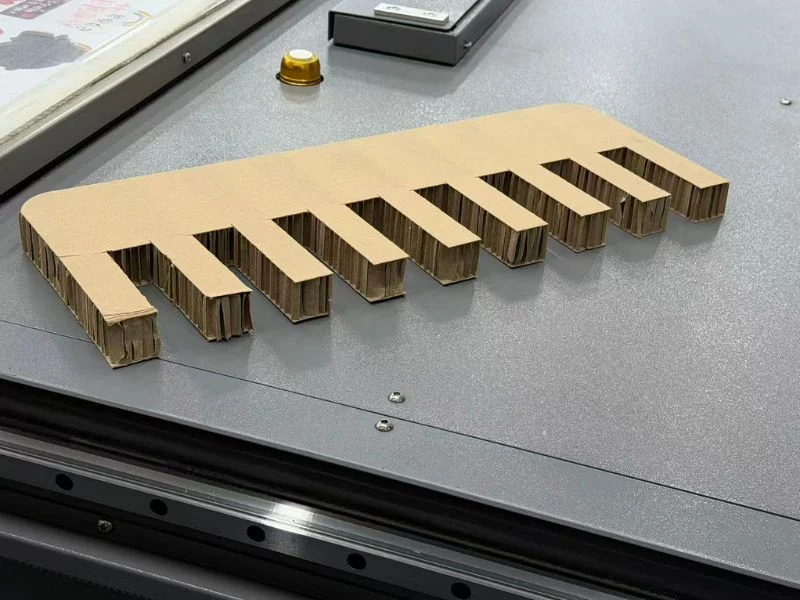
Lead time: same-day samples vs 1–3 week die builds
A digital cutter produces a finished sample the same day; a steel-rule die usually takes one to three weeks to design, build, and ship before you can run the first part. For anyone on a deadline, lead time often matters more than unit cost.
Building a die is its own small project. Someone lays out the shape, bends and mounts the steel rule, and proofs the tool. That cycle runs days to weeks depending on the shop’s queue. Every design change restarts part of it.
Digital cutting collapses that timeline. Because the shape lives in a file, “new tooling” means editing a drawing. You can cut a revised sample, hand it to a customer, get feedback, and cut again — all in an afternoon.
This speed compounds during development. A packaging or gasket design might go through five or six revisions before sign-off. With dies, that’s five or six tooling cycles and bills. With digital cutting, it’s five or six file edits at no tooling cost.
Once the design is frozen and the order is large, the calculus flips — a die’s build time is a one-time cost you pay once and forget, while the digital cutter keeps spending cycle time on every part.
Where the volume crossover point is
The crossover usually falls somewhere between a few hundred and a few thousand identical parts — below it digital wins, above it a die wins. The exact number depends on your die price, part complexity, and material.
There is no single magic quantity, but the logic is simple. Add the die’s tooling cost to its low per-part cost, then compare the total against digital cutting’s zero tooling and higher per-part cost. Where the two totals meet is your crossover.
- Under ~250 parts: digital almost always wins — the die never earns back its tooling.
- 250–2,000 parts, changing designs: usually digital, because flexibility and lead time outweigh per-part savings.
- 2,000+ parts, one frozen shape: the die starts to pull ahead on total cost.
- Tens of thousands, ongoing: a die (or rotary die) is the clear choice.
Run your own break-even before committing. Take the die quote, divide by your order quantity to get tooling-cost-per-part, and add the shop’s per-part rate. If that total beats the digital per-part quote, the die pays off; if not, cut it die-less.

Material and thickness: what each method handles
Both methods cut gaskets, foam, rubber, and packaging board, but digital cutting handles thick and layered stock more gracefully, while dies excel at thin, high-speed converting. Material is where the comparison stops being purely about money.
Steel-rule dies are fast and clean on thin, consistent stock — thin foams, films, labels, folding carton. They struggle as material gets thick or spongy, because the blade has to crush through the full depth in one press, which can distort soft foams or leave a rounded edge.
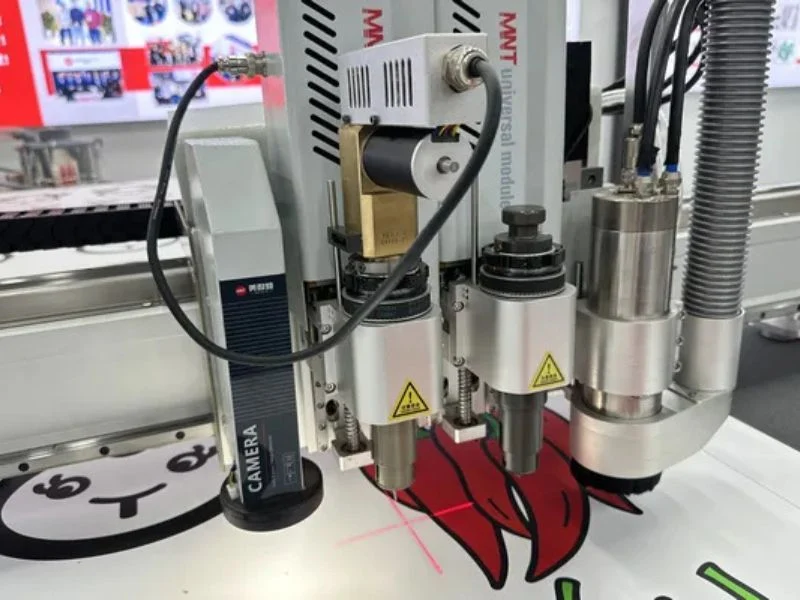
Digital oscillating knives shine on thicker and denser material. The blade oscillates thousands of times per second and slices progressively, so a thick rubber gasket or a stacked foam insert cuts with a square, clean edge. Knife, creasing wheel, and kiss-cut tools swap in for different jobs on the same machine.
| Material | Steel-rule die | Digital knife cutting |
|---|---|---|
| Thin films & labels | Excellent, very fast | Good (kiss-cut supported) |
| Folding carton & corrugated | Excellent at volume | Excellent, no die needed |
| Rubber & cork gaskets | Good, thickness-limited | Excellent, incl. thick stock |
| EVA/PE/PU foam | Can distort soft foam | Excellent, square edges |
| Frequent thickness changes | New die each time | Adjust settings in software |
If your work spans many materials and thicknesses, the digital cutter’s one-machine flexibility is worth as much as the tooling savings.
Design changes and short runs
Every design change costs a new or modified die, but nothing on a digital cutter beyond a file edit. For product development and made-to-order work, this is the decisive advantage.
Short runs are where dies hurt most. A 100-piece order carrying a $1,200 die means $12 of tooling on every part before you count material or labor. The same job cut die-less carries no tooling at all.
Made-to-order and sample work push the same direction. If you cut a different shape most days — packaging prototypes, custom gaskets, one-off inserts — you would need a wall of dies to match what one digital cutter does from a folder of files.
The flip side is honesty about scale: if you cut the *same* shape ten thousand times a week, a die’s per-part speed will beat editing files every time. Short runs and changing shapes favor digital; long, stable runs favor the die.
When a steel-rule die still wins
A steel-rule die wins when you run one frozen shape in high volume on thin, consistent material. It’s worth being clear about this, because “die-less is always better” is marketing, not engineering.
High-volume converting — think millions of thin gaskets or carton blanks a year — is what dies were built for. The tooling cost disappears against the run size, and the stamp-the-whole-part-at-once cycle is simply faster than tracing every path with a knife.
Rotary die cutting pushes this even further for continuous roll-fed work, hitting speeds no flatbed digital cutter can match. If your bottleneck is parts-per-minute on a fixed design, the die is the right tool.
The takeaway isn’t that one method is obsolete. It’s that they sit at opposite ends of the volume curve — and most shops that do development, short runs, or mixed materials live on the digital end.
How to choose: a quick decision checklist
Match the method to your run size, design stability, and material — not to a blanket rule. Work through these questions before you buy tooling or a machine:
- How many identical parts? Under a few hundred → digital. Tens of thousands of one shape → die.
- How often does the design change? Frequently → digital. Frozen for the product’s life → die.
- How fast do you need the first part? Today → digital. Weeks is fine → either.
- How thick or soft is the material? Thick rubber, dense or stacked foam → digital. Thin film at volume → die.
- How many different shapes do you cut? Many → digital. One or two → die.
If most of your answers point to flexibility, low volume, or changing designs, digital die cutting is the lower-total-cost choice. If they point to one shape at massive volume, invest in the die.
For a closer look at what a die-less setup handles across gaskets, foam, packaging, and labels, see our digital die cutting machine overview.
Frequently Asked Questions
Is digital die cutting cheaper than a steel-rule die?
For low and mid volumes, yes — digital cutting has no tooling cost, while a steel-rule die runs $500–$5,000 before the first part. At high volume on one fixed shape, the die’s low per-part cost makes it cheaper overall once tooling is spread across the run.
At what quantity does a steel-rule die become worth it?
Usually somewhere between a few hundred and a few thousand identical parts, depending on die price and material. Below that range, tooling cost rarely pays back; above it, the die’s faster per-part cycle starts winning. Run a break-even with your actual die quote and order size.
Can a digital cutter handle thick rubber and foam gaskets?
Yes. An oscillating knife slices progressively through thick rubber, cork, and stacked foam with a clean, square edge — often better than a die, which can crush or distort soft material as it presses through the full depth in one stroke.
How long does it take to get parts from each method?
A digital cutter can produce a finished sample the same day from your file. A steel-rule die typically needs one to three weeks to design, build, and ship before the first part runs. Each design change repeats part of the die build.
Do design changes cost extra?
On a digital cutter, a design change is a file edit — minutes, no tooling cost. With a steel-rule die, most changes mean modifying or replacing the die, adding cost and days of downtime.
Which is better for short-run and prototype work?
Digital die cutting. With no tooling to build, it turns prototypes and short runs around fast and cheap, and cuts changing shapes straight from CAD without a wall of dies.
What is a steel rule die?
A steel rule die is a cutting tool made of thin, hardened steel blades bent to a part outline and set into a flat plywood or composite board, with rubber pads that eject the cut part. It is pressed into sheet material to cut or crease the whole shape at once, and typically costs $500–$5,000 per shape depending on size and complexity.