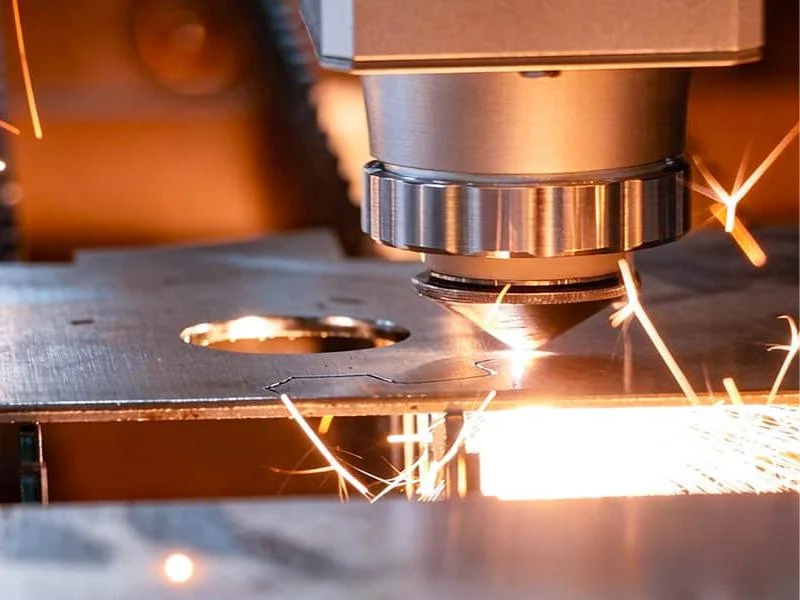
A fiber laser cutting thickness chart tells you the heaviest plate a given laser power can part — roughly 16 mm mild steel at 3 kW and 22 mm at 6 kW.
What the chart does not tell you is that those figures are capability limits, not production limits. Buyers read the top row, size the machine to it, and then discover that the thickness they actually run every day sits in a completely different part of the curve, where assist gas and machine dynamics matter more than watts.
This guide reads the chart properly: what the numbers mean, where they stop being economic, and how to pick between 3 kW and 6 kW for your own job book.
What the Thickness Chart Actually Says
In fiber laser cutting, laser power sets the ceiling and the material sets how fast that ceiling drops. The table below is the range MNT publishes for its X5 platform, which ships in 3 kW and 6 kW configurations on a 3000 × 1500 mm bed.
| Material | 3 kW typical max | 6 kW typical max | What doubling power buys |
|---|---|---|---|
| Mild / carbon steel | up to ~16 mm | up to ~22 mm | +6 mm |
| Stainless steel | up to ~8 mm | up to ~14 mm | +6 mm |
| Aluminium | up to ~6 mm | up to ~12 mm | +6 mm |
| Brass | up to ~4 mm | up to ~8 mm | +4 mm |
| Copper | up to ~3 mm | up to ~6 mm | +3 mm |
Read the last column of the fiber laser cutting thickness chart first. Doubling the laser source does not double the thickness — on mild steel it adds about six millimetres, and on copper about three.
The reason is that only part of the energy reaching the cut is doing useful work in fiber laser cutting. The rest is conducted away into the surrounding plate, reflected off the surface, or carried off in the ejected melt. Thicker material has more mass to conduct heat into, so each extra kilowatt returns less depth than the one before it.
That is also why the ratio differs by material. Carbon steel cut with oxygen gets chemical energy from the cut itself; copper and brass reflect a large share of the beam before it can couple in at all.
The chart also has a ceiling beyond which a fiber laser stops being the right tool at all. Past roughly 25 mm plate the cut slows sharply and the economics move to plasma or waterjet — we set that boundary out in the process comparison on our sheet metal laser cutting machine page, and it is the honest answer for anyone whose work is mostly heavy plate rather than sheet.
One more thing the chart hides: these are single-pass figures on clean, flat, room-temperature stock. Mill scale, rust, oil, and plate that has been sitting outdoors all cost you depth that no spec sheet accounts for. Treat the published maximum as the number a machine hits on a good day with good material, because that is what it is.
Why Maximum Thickness Is Not Production Thickness
The maximum on any fiber laser cutting thickness chart is the point where the machine can still part the plate, not the point where it still makes money. Those two numbers are usually far apart, and the gap is where most sizing mistakes happen.
Three things change as you approach the ceiling. Cutting speed falls off sharply, so the machine hour cost per metre of cut rises. Assist gas consumption per metre climbs at the same time, because thick sections need higher pressure and longer dwell. And edge quality degrades, which quietly moves work downstream to grinding or a second operation. ISO 9013 puts numbers on that loss of edge quality, which we work through in our guide to laser cutting tolerances.
MNT publishes an optimal cutting speed of 15–35 m/min for the X5 against a maximum travel speed of 60 m/min. That spread is the honest picture of a fiber laser: it moves fast, and it cuts fast only inside a band.
The practical consequence for a buyer is simple. If the thickest part in your regular job book sits at or near the chart maximum for the power you are considering, you have sized the machine to its worst operating point.
A better method is to sort your parts by thickness and look at where the volume actually is, not where the extremes are. Most fabrication shops find that a large majority of cut length lives in a narrow band — often 1–6 mm — while the heavy plate is a handful of jobs a month.
If that describes your shop, the machine should be sized for the band, and the occasional heavy job should be priced to reflect that it runs slowly. Buying two extra kilowatts to serve five per cent of your throughput is an expensive way to avoid quoting a longer lead time on those jobs.
This is also the reason a thickness chart alone is a poor buying document. It answers “can it?” when the question that decides your cost per part is “how fast, at what gas cost, with what edge?” If you are still choosing the machine itself — bed size, nesting software, what to put in the RFQ — start with our guide on how to choose a sheet metal fiber laser cutter; this article deliberately stays on the narrower question of power and thickness.
How Assist Gas Rewrites the Chart
Assist gas changes the achievable thickness at a fixed laser power more than any other single variable in fiber laser cutting. Two shops with identical 3 kW machines can have genuinely different capability charts because they run different gas.
In laser cutting, the gas jet does two jobs: it blows molten material out of the kerf, and depending on which gas you choose, it either adds energy to the cut or protects it.
| Assist gas | Effect on thickness | Edge you get | Where it fits |
|---|---|---|---|
| Oxygen | Extends carbon-steel range at a given power | Oxidised, dark; needs cleaning before some paint and weld operations | Mild and carbon steel, especially the heavier end |
| Nitrogen | Reduces achievable thickness at the same power | Bright, oxide-free, weld and paint ready | Stainless steel and aluminium where the edge is the product |
| Compressed air | Between the two, closer to nitrogen | Light oxidation, acceptable for many structural parts | Thin mild steel and aluminium where running cost dominates |
Oxygen cutting on carbon steel is partly a burning process. The iron reacts with the oxygen jet and that reaction releases heat into the cut, so the laser is not doing all the work.
That is why the mild-steel row of the chart sits so much higher than the stainless row. Take the oxygen away and carbon steel behaves far more like the other materials.
Nitrogen is inert, so it contributes no chemical energy at all. Every joule has to come from the laser, and the gas has to be delivered at high pressure and high flow to clear the melt. You pay for the bright edge twice: once in laser power, and again in gas consumption.
For a buyer this matters at the quoting stage. If your customers demand a clean stainless edge, you should read the nitrogen figure as your real capability — and the stainless row of any thickness chart is normally quoted on nitrogen for exactly that reason.
The practical move is to write your own two-column chart: what you can cut on oxygen or air where the edge does not need to be pretty, and what you can cut on nitrogen where it does. Machines are quoted against the first column and jobs are won on the second.
Under 3 mm, the Limit Is Acceleration, Not Power
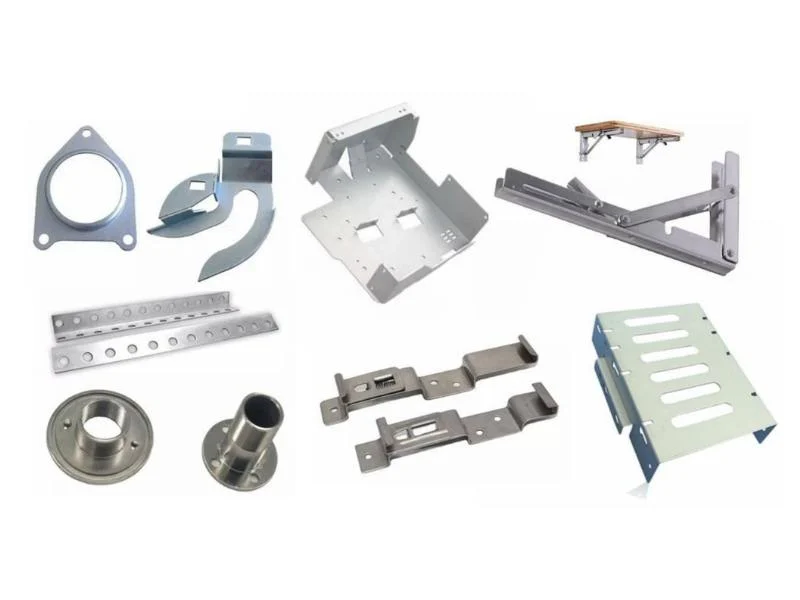
On thin sheet, adding laser power stops making parts faster, because the machine can no longer accelerate fast enough to use the power it already has. This is the part of the chart that catches out shops cutting electrical enclosures, brackets, signage faces and decorative panels.
At 1 mm, fiber laser cutting can run faster than the gantry can change direction. Every hole, corner and small contour becomes an acceleration and deceleration event, and the machine spends its time speeding up and slowing down rather than cutting at speed.
Cut length per part is what exposes this. A part with two hundred small features has a very different time profile from a part with one long perimeter, even at identical thickness and identical laser power.
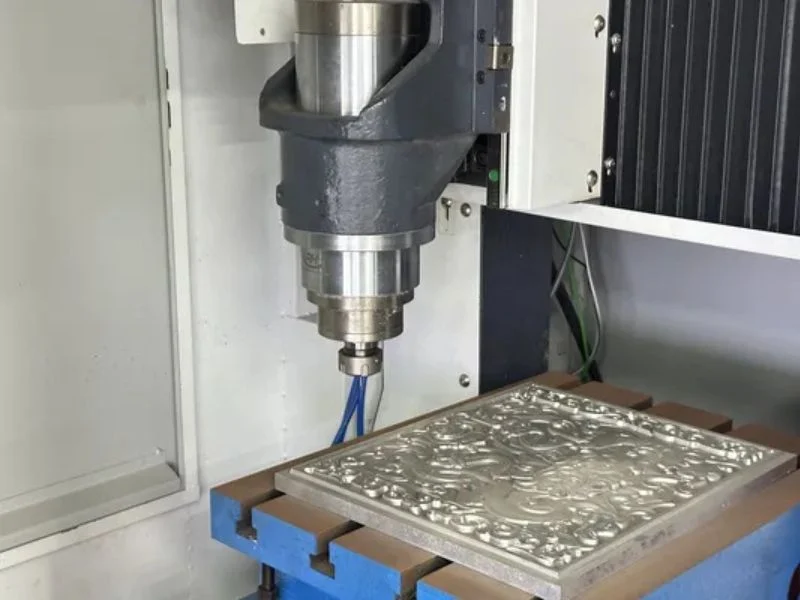
This is why MNT builds a dedicated thin-gauge machine rather than recommending more watts. The X6040 runs a 1500 W source with 1.5 G maximum acceleration, 40 m/min speed, ±0.02 mm positioning accuracy and ±0.005 mm repeatability on a marble frame.
The marble structure is doing exactly the job the number suggests: mass and stiffness where the acceleration is happening, so the head can start and stop repeatedly without the frame ringing and putting that vibration into the edge.
The lesson for reading any chart is that thickness capability and production capability diverge at both ends. At the thick end you are limited by watts, at the thin end by dynamics, and only in the middle band does the chart describe what the machine will actually do for you all day.
If most of your work is under 3 mm with a lot of detail per part, compare a high-dynamics machine against a higher-power one before assuming power is the answer — our X5 vs X6 vs X6040 comparison sets the three platforms side by side.
Copper, Brass and the Reflectivity Problem
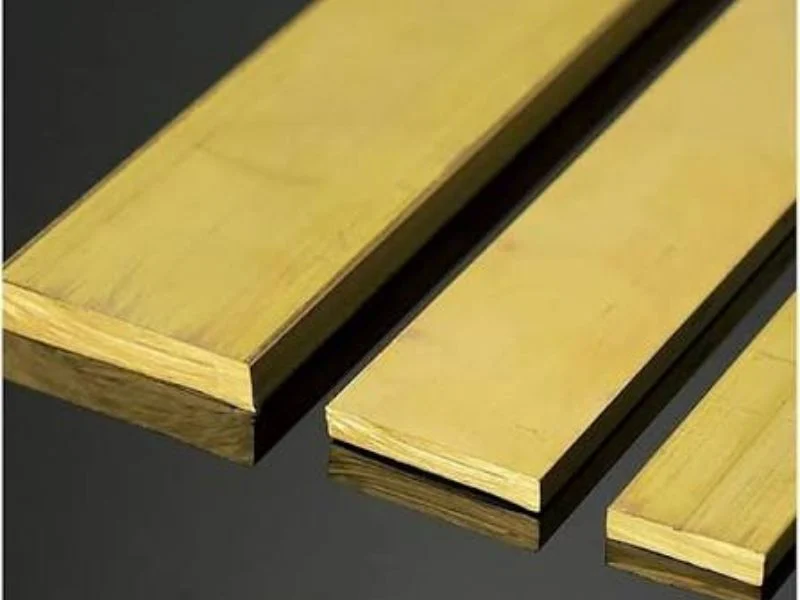
Copper and brass sit lowest on every fiber laser cutting thickness chart because they reflect most of the beam before it can be absorbed. At 3 kW you are looking at roughly 3 mm of copper against 16 mm of mild steel — a five-fold difference in the same machine.
The cause is reflectance at the fiber laser cutting wavelength. Polished copper reflects a very high proportion of incident energy around 1 µm, so only a small fraction couples into the material to start the melt.
Two things follow. First, the process is less stable at the start of the cut, because piercing depends on getting enough energy in before the surface state changes. Second, the reflected energy has to go somewhere, and some of it travels back up the optical path.
That second point is why back-reflection protection in the cutting head is not an optional extra on a machine expected to run copper. It is the difference between a consumable cost and a laser source repair.
The practical upside is that fiber lasers handle these metals at all. The shorter fiber wavelength couples into copper and brass considerably better than the older CO₂ wavelength did, which is why busbar and terminal work moved onto fiber machines.
If copper is an occasional job rather than your core business, size the machine for your steel and aluminium volumes and accept the copper limit that comes with it. If busbar is the business, the thickness you need in copper — not in steel — is the number that should drive the power decision.
3 kW vs 6 kW Fiber Laser Cutting Parameters: What Actually Changes
A fiber laser cutting parameter set is six settings — laser power, cutting speed, assist gas, gas pressure, focus position and nozzle — and moving from 3 kW to 6 kW changes speed and gas far more than it changes the rest. That is why a parameter table copied from another machine rarely runs cleanly on yours.
Every row of the thickness chart above is really one of these parameter sets, tuned for one material and one thickness. The table shows what each setting controls and which way it moves when the source doubles.
| Parameter | What it controls | What changes at 6 kW vs 3 kW | Symptom when it is wrong |
|---|---|---|---|
| Laser power (%) | Energy delivered into the kerf | The same plate runs at a lower share of a larger source, leaving headroom for speed | Too high on thin sheet: wide kerf, burnt corners |
| Cutting speed | Heat input per millimetre of cut | Rises most in the mid-thickness band; changes little at the top of the chart | Too fast: incomplete cut and dross; too slow: wide kerf, rough edge |
| Assist gas | Whether the gas adds energy (O₂) or protects the edge (N₂, air) | Nitrogen and air become usable on thicker steel that a 3 kW source has to cut on oxygen | Oxide edge where a bright, weld-ready edge was needed |
| Gas pressure | Clearing molten material out of the kerf | Faster nitrogen cutting needs more flow, so gas cost per hour rises even as cost per part falls | Dross clinging to the underside |
| Focus position | Where the beam waist sits relative to the plate | Oxygen cuts on carbon steel run focus at or above the surface; nitrogen cuts run it below the surface, deeper as plate gets thicker | Tapered kerf, rough lower edge, unstable piercing |
| Nozzle | Shape and velocity of the gas jet | Larger bores on thicker plate; double-layer nozzles for oxygen, single-layer for high-pressure nitrogen and air | Turbulent jet, striations on the cut face |
The parameter libraries shipped in a laser controller are a starting point, not an answer. They assume a specific grade, surface condition and gas purity, and a batch of plate with heavier mill scale or a nitrogen supply at lower purity moves the working window.
The practical rule for a buyer is to judge a machine on its parameters for your own material, not on its library. When you send a sample cut, ask for the parameter set that produced it alongside the part and the cycle time — that combination tells you what the machine will do on your floor.
When 6 kW Pays Back Over 3 kW
The 3 kW versus 6 kW fiber laser cutting decision is settled by the shape of your job book, not by the top row of the chart. Six extra millimetres of steel capacity is worth a great deal to one shop and almost nothing to another.
Work through it with your own numbers rather than a rule of thumb. Four questions decide it.
| Question | Points to 3 kW | Points to 6 kW |
|---|---|---|
| Where does most of your cut length sit? | Mostly 1–6 mm | A steady flow above 10 mm |
| What edge do customers demand on stainless? | Oxide edge acceptable | Nitrogen-bright edge required above 8 mm |
| How many shifts do you run? | One shift, capacity to spare | Two or three shifts, machine is the bottleneck |
| What happens to heavy jobs today? | Rare, quotable with a longer lead time | Regularly subcontracted out at a margin you want back |
The third row is the one people underestimate. On a single shift with idle hours, a faster machine mostly produces more idle hours, and the payback has to come from work you do not have yet.
On two or three shifts the arithmetic inverts. Every minute saved per part is a minute of a constrained resource, and the difference in cost per part compounds across the whole production run.
The fourth row is where the strongest case usually hides. If you subcontract thick plate today, you already know the annual value of that work — that is a real number, not a projection, and it is the cleanest way to test a 6 kW payback.
Note also that the two power levels are the same machine platform here. An X5 at 3 kW and an X5 at 6 kW share the bed, the rack-and-pinion dual-drive gantry, the 0.05 mm positioning accuracy and the 5000 × 3000 mm footprint, so the decision is genuinely about the source rather than about two different machines. You can compare configurations on our sheet metal laser cutting machine page or on the X5 specification page.
Whichever way it lands, test it before you buy. Send a nested DXF of a part you actually run, in the material you actually buy, and ask for the cut sample plus the cycle time. A thickness chart is a starting point for a conversation; a timed sample of your own part is evidence.
Frequently Asked Questions
How thick can a 3 kW fiber laser cut?
A 3 kW fiber laser typically parts up to about 16 mm mild steel, 8 mm stainless, 6 mm aluminium, 4 mm brass and 3 mm copper. Those are single-pass maximums on clean stock, with oxygen assist on the carbon steel figure. Production work normally runs well below the maximum, because speed and edge quality fall away as you approach it.
How much more can a 6 kW fiber laser cut than a 3 kW?
Roughly six millimetres more on steel and aluminium, and three to four millimetres more on copper and brass. Doubling the source does not double the thickness, because heat conducted into the surrounding plate and energy reflected at the surface both scale with the job. The bigger practical gain from 6 kW is speed in the mid-thickness range, not the extra headroom at the top.
Why is the stainless steel figure so much lower than mild steel?
Because carbon steel is normally cut with oxygen, and that reaction adds heat to the cut, while stainless is usually cut with nitrogen to keep the edge bright and oxide-free. Nitrogen is inert and contributes no energy, so every joule must come from the laser. Cut stainless on oxygen and the thickness rises, but you lose the clean edge that made you choose nitrogen.
Does more laser power make thin sheet cut faster?
Only up to a point. Below about 3 mm the constraint moves from laser power to machine dynamics, because the gantry cannot accelerate and decelerate fast enough to use the power available. Parts with many small features are limited by acceleration, not watts. That is why a 1500 W machine built for 1.5 G acceleration can out-produce a higher-power machine on detailed thin work.
Can a fiber laser cut copper and brass safely?
Yes, and far better than the older CO₂ wavelength managed, which is why busbar work moved to fiber. Both metals are highly reflective at the fiber wavelength, so the achievable thickness is low and back-reflection protection in the cutting head is essential rather than optional. Specify copper capability at the quotation stage if it is part of your regular work.
Does the thickness chart change with sheet condition?
Yes. Published figures assume clean, flat, dry stock at room temperature. Mill scale, rust, surface oil and plate that has been stored outside all reduce the depth you can reliably part, and they make piercing less consistent. If your material arrives in poor condition, treat the chart maximum as an optimistic number and validate with a sample cut.
What are the cutting parameters for a 6 kW fiber laser?
There is no single set: a 6 kW fiber laser cutting parameter set pairs power, speed, assist gas, gas pressure, focus position and nozzle for one material and one thickness. Compared with 3 kW, the same plate runs at a lower share of source power and at higher speed in the mid-thickness band, and nitrogen or air become usable on thicker steel. Start from the controller library and tune on your own stock.
How do I confirm a machine will cut my parts before ordering?
Send a nested DXF of a part you run in volume, together with the material grade and thickness you actually buy, and ask for both the cut sample and the measured cycle time. The sample answers edge quality and the cycle time answers cost per part. MNT cuts free samples for buyers and returns them with the parameters used.