Three knife types show up on digital cutting machines, and they are not interchangeable. Pick the wrong one for your material and thickness, and the machine will still run the program — it just won’t give you a usable cut.
Oscillating, rotary and drag knives are all mechanical cutting tools that separate material by moving a blade through it rather than melting or burning it, which makes them the right family of tool for fabric, foam, leather, rubber, cardboard and composite work where heat-affected edges aren’t acceptable. But the three tools engage material completely differently, and a shop that defaults to whichever knife came standard on their machine is often leaving thickness capacity, cut quality or throughput on the table.
This guide breaks down how each knife type actually cuts, which materials and thicknesses each one handles well, and what goes wrong — specifically — when the wrong tool gets used on the wrong job.
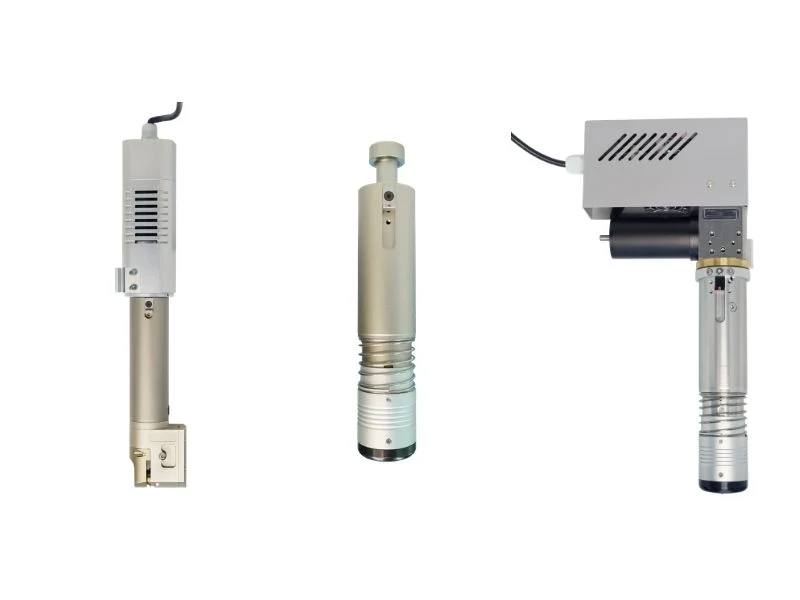
The Short Answer
Oscillating knives handle thick, dense or layered material where a static blade would deflect or stall; rotary knives are fastest on thin, single-ply material where speed matters more than depth capacity; drag knives are the lowest-cost option for thin, flexible material like vinyl and single-layer paper. None of the three is universally “better” — each wins in a specific thickness and material band and loses badly outside it.
| Oscillating knife | Rotary knife | Drag knife | |
|---|---|---|---|
| How it cuts | Blade oscillates up and down while advancing through material | Circular blade spins and rolls through material | Fixed blade trails behind the tool, pulled through material |
| Best thickness range | Up to 25 mm+ depending on material | Under 3–5 mm, single ply | Under 2–3 mm, flexible material |
| Best materials | Foam, leather stacks, rubber, cardboard, composites | Fabric, apparel textile, thin foam | Vinyl, paper, single-layer sign material |
| Relative speed | Moderate | Fast | Fast |
| Relative tooling cost | Higher | Moderate | Lowest |
| Fails badly when | Used on very thin single-ply where it’s slower than necessary | Pushed past its thickness range — tears rather than shears | Pushed into thick or dense material — blade deflects, cut wanders |
How Each Knife Type Actually Cuts
The three tools differ in how the blade contacts material — oscillation, rotation or a trailing drag — and that mechanical difference is what determines thickness capacity, not blade sharpness. Understanding the mechanism explains why swapping blade sharpness alone doesn’t fix a knife type that’s fundamentally mismatched to the job.
An oscillating knife moves its blade rapidly up and down — typically thousands of cycles per minute — while the tool head advances along the cut path. Each oscillation only removes a small slice of the cut, which is what lets it push through thick or dense material without needing enormous downward force: the blade is never trying to shear the full thickness in one continuous motion. A rotary knife spins a circular blade that rolls through the material as the head moves, similar in principle to a pizza cutter — it’s efficient on thin material because rolling contact needs less force than a straight push-through cut, but it has no mechanism to help it through thick or dense stock. A drag knife has no moving blade at all; a fixed, angled blade trails behind the tool head and is pulled through the material by the head’s own motion, which is mechanically the simplest and cheapest option but also the one with the least ability to handle resistance from thick or tough material.
Oscillating Knife: Best For Thick, Dense and Layered Material
Choose an oscillating knife for foam, multi-layer leather, rubber sheet, cardboard and composite material — anything thick, dense, or built up in layers where a static blade would deflect or need excessive downward force. The oscillation is what makes thickness capacity possible: because each stroke only cuts a thin slice, the blade can work through 15–25+ mm of foam or several millimeters of dense rubber without the blade bowing off its intended path.
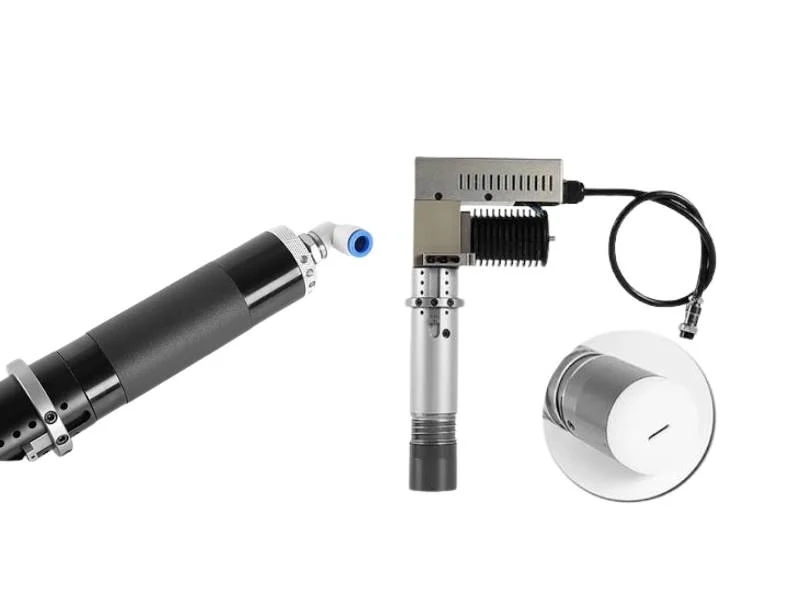
Oscillating knives also handle layered stacks — leather hides stacked several deep, for instance — because the repeated slicing motion cuts through the stack progressively rather than trying to shear the full stack thickness in a single pass. This is the tool of choice on the machines covered in our oscillating knife cutting machine overview, and it’s the right default whenever material thickness or density is the limiting factor rather than raw cutting speed.
The tradeoff is speed and tooling cost: oscillating heads are mechanically more complex than rotary or drag heads, and the oscillation itself limits maximum feed rate compared to a rolling or dragging cut on material thin enough for either of those to handle.
Rotary Knife: Best For Thin, High-Speed, Single-Ply Material
Choose a rotary knife for apparel fabric, thin foam and other single-ply material under about 3–5 mm where cutting speed matters more than thickness capacity. The rolling contact of a spinning blade is inherently faster than an oscillating or dragged blade on material thin enough not to need either tool’s extra capability.
Rotary knives struggle as material gets thicker or denser because the blade’s rolling contact depends on the material yielding easily under the roll — dense or thick material resists that roll, and the result is tearing or incomplete separation rather than a clean shear. This is the failure mode to watch for: a rotary knife pushed past its comfortable thickness range doesn’t just cut slower, it produces visibly worse edge quality.
Where rotary knives earn their keep is high-volume, thin-material production — apparel pattern cutting is the classic example — where the speed advantage over an oscillating knife compounds across thousands of parts a day.
Drag Knife: Best For Thin Flexible Material and Low-Cost Setups
Choose a drag knife for vinyl, paper, adhesive-backed sign material and other thin, flexible stock under roughly 2–3 mm where tooling cost matters and thickness demands are low. With no moving parts beyond the blade holder itself, drag knife tooling is the least expensive of the three and the simplest to maintain.
The limitation is direct: a drag knife has no mechanism to help it through resistance the way oscillation or rotation does. Push it into thicker or denser material and the fixed blade deflects sideways under load, producing a cut that wanders off the intended path instead of following it — the material pushes back against the blade harder than the blade’s own geometry can resist. This deflection gets worse in corners and tight curves, where the blade has to change direction while still under load from the material it’s cutting.
Drag knives remain a reasonable choice specifically because of their low cost and simplicity on jobs that genuinely stay within thin, flexible material — the mistake is defaulting to a drag knife on a job that’s grown beyond that range because it’s what the machine came with.
What Happens When You Pick the Wrong Tool
Each knife type fails in a distinct, recognizable way when pushed outside its range — and recognizing the failure pattern is the fastest way to diagnose whether the problem is the tool, not the blade or the settings.
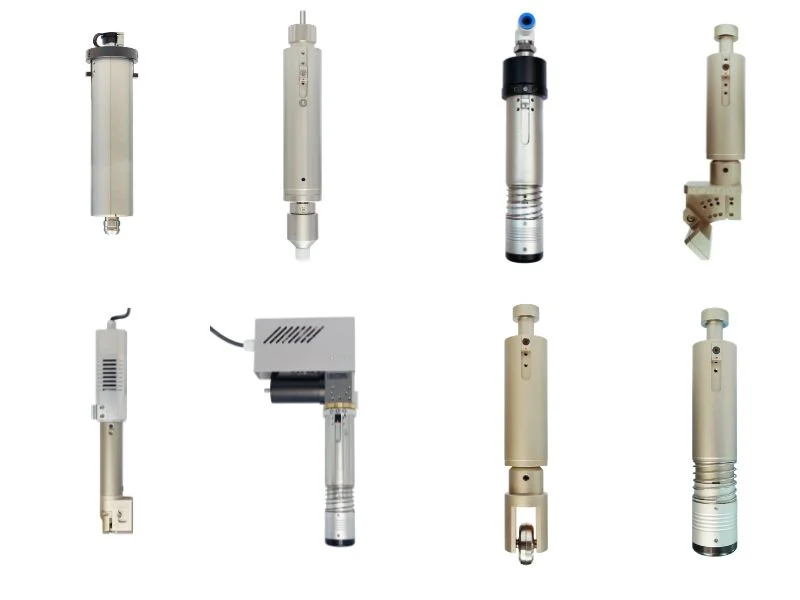
A drag knife pushed into material that’s too thick or dense deflects sideways under load, producing a cut that wanders rather than follows the programmed path — most visible on curves and corners where the blade is already fighting to change direction. A rotary knife pushed past its thickness range tears rather than shears, because the material resists the rolling contact the blade depends on. An oscillating knife used on very thin single-ply material where a rotary or drag knife would suffice isn’t producing bad parts — it’s just running slower than necessary, which is a throughput problem rather than a quality one.
See our blade selection chart by material and thickness for how blade geometry and coating compound with knife type choice — the two decisions interact, and getting knife type right doesn’t fix a mismatched blade on top of it.
Can One Machine Run More Than One Tool Type?
Yes — many digital cutting machines support a multi-tool head or an automatic tool changer that swaps between oscillating knife, rotary knife, drag knife, creasing wheel and other tools within a single program, which matters if your material mix spans more than one tool’s comfortable range.
A shop that runs both thick foam padding and thin vinyl overlay on the same product, for example, benefits directly from a machine that can call an oscillating knife for the foam and a drag knife for the vinyl in the same job file, rather than running two separate machines or manually swapping tooling between batches. This is common on flatbed cutting platforms — see our flatbed cutter page — and on rubber-focused setups where a single job might combine a thick gasket cut with a thin flash-trim pass; our rubber cutting machine page covers tooling options by rubber compound and thickness.
Confirm tool-change time and repeatability before assuming multi-tool capability solves every mixed-material job — a machine that changes tools slowly, or that loses registration accuracy between tool swaps, can erase the throughput benefit multi-tool capability is supposed to provide.
Frequently Asked Questions
Can a rotary knife cut foam?
Only thin foam, generally under a few millimeters — thicker foam needs an oscillating knife, which can work through greater thickness without the tearing a rotary blade produces once the material resists its rolling contact.
Why does my drag knife cut wander on curves?
The fixed blade is deflecting sideways under load, most often because the material is thicker or denser than the drag knife’s comfortable range, or the blade is dull and needs more force to cut, which increases deflection.
Is an oscillating knife always better than a rotary or drag knife?
No — it’s the right choice for thick or dense material, but it’s slower than a rotary or drag knife on thin single-ply material, where the extra thickness capacity isn’t needed and just costs throughput.
What’s the maximum thickness an oscillating knife can cut?
It depends heavily on material density — foam can go well past 20 mm, while dense rubber or layered composite has a lower practical ceiling. Always confirm with a test cut on your actual material rather than assuming a single number applies across material types.
Can one machine switch between knife types automatically?
Many digital cutting machines support a multi-tool head or automatic tool changer that swaps between oscillating, rotary and drag knives within one program — useful for shops with a mixed-thickness material lineup, provided tool-change time and registration accuracy hold up in practice.
Does knife type affect cut edge quality as much as blade sharpness?
Yes, often more — a sharp blade on the wrong knife type for the material still produces tearing, wandering or excessive tool wear, because the failure mode comes from the mechanical mismatch, not the blade’s edge condition.